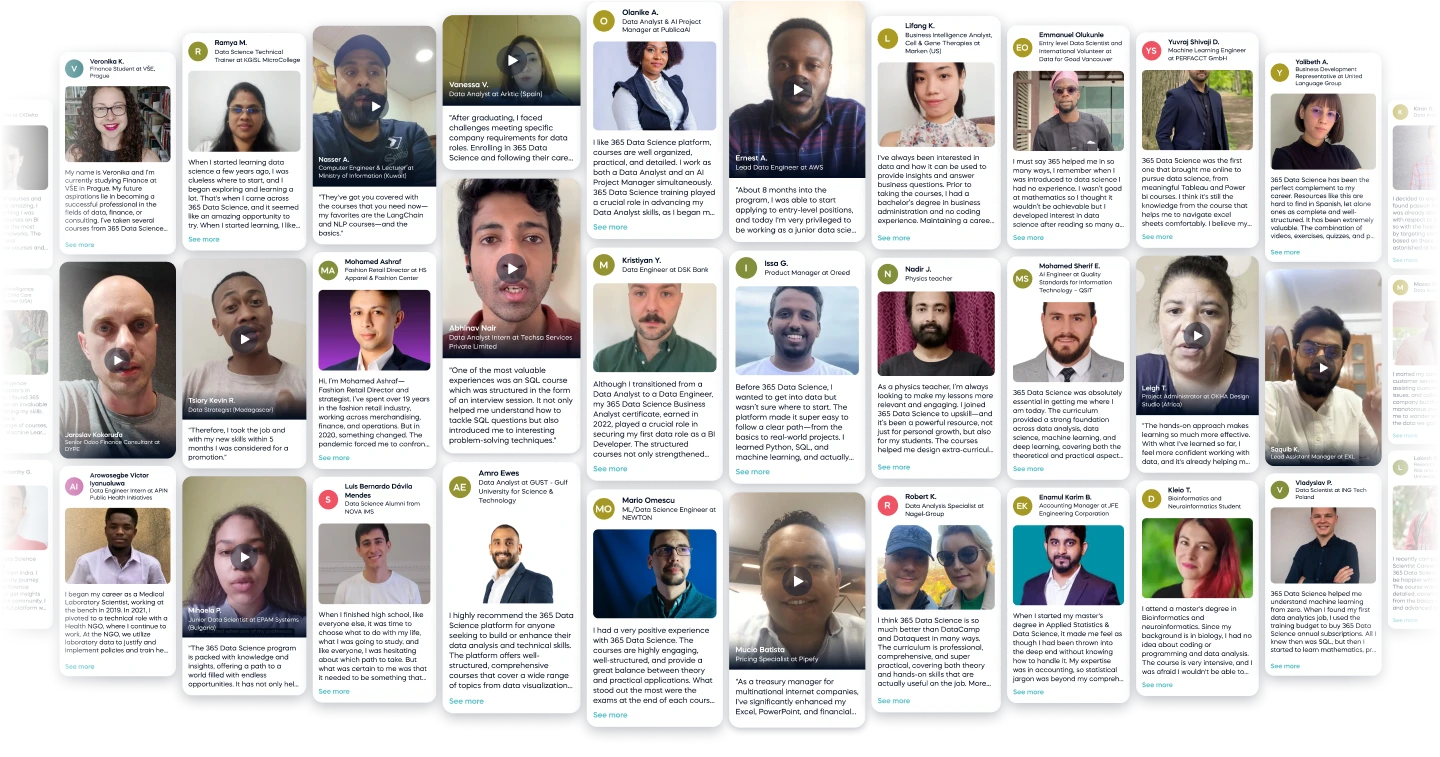
Pedro A.
Before 365:
Industrial Engineer | NIBOL
After 365:
Data Manager | NIBOL
See all reviews
Start Your Data Journey and learn everything about ingesting data from various data storage formats like Flat Files, Excel Files, API's, JSON's and Relational Databases.



Skill level:
Duration:
CPE credits:
Accredited

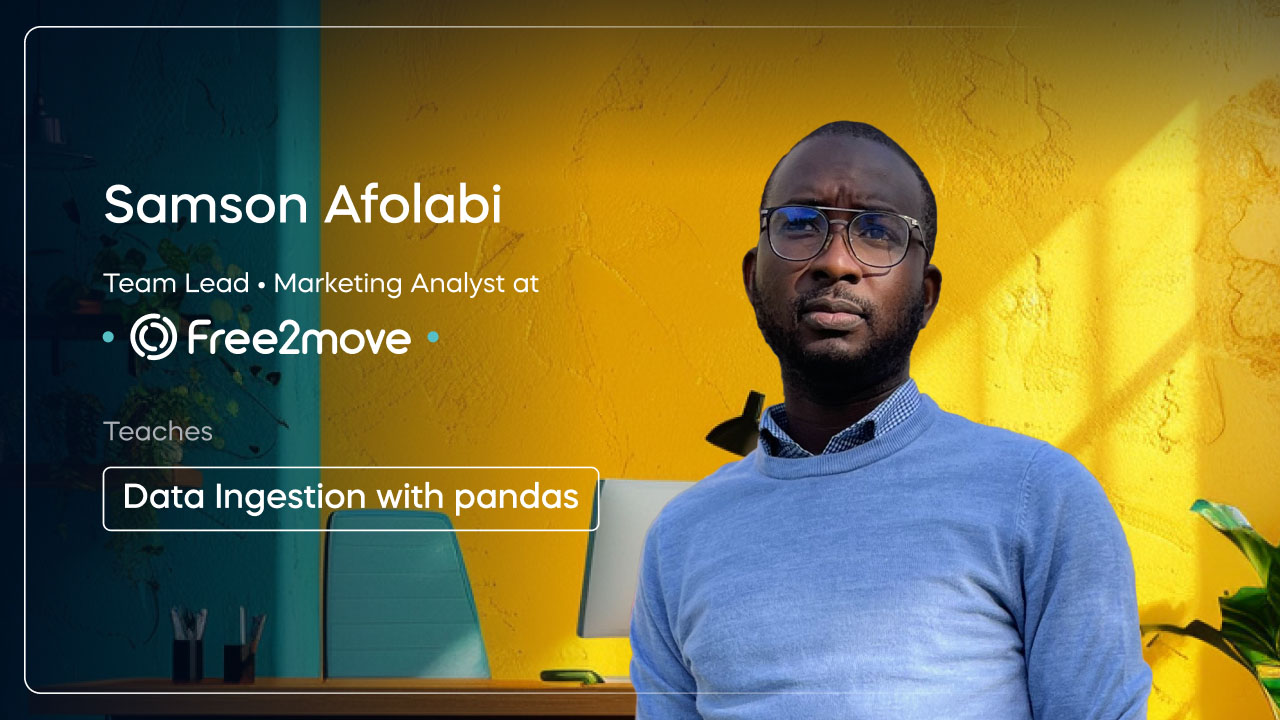
Bringing real-world expertise from leading global companies


Master's degree, Mathematics

Description
Data is everywhere, but before you can analyze it, you need to load it efficiently and correctly. "Data Ingestion with Pandas" is designed to help you master the art of importing data from various sources, including flat files, Excel, databases, APIs, and JSON sources, using Python’s powerful Pandas library.
This course takes you through every aspect of data ingestion, from reading simple CSV's and Excel files to handling large datasets efficiently. You’ll learn how to work with Excel files, including reading multiple sheets, selecting specific columns, and handling large files. As we progress, you'll dive into working with databases, where you'll connect to Relational databases, connect to them and retrieve data using queries, and seamlessly integrate it into Pandas.
In the modern data landscape, APIs and JSON are crucial sources of real-time data. This course will equip you with the skills to extract data from web APIs, parse complex JSON structures, and transform them into clean, structured DataFrames. Along the way, you’ll also learn how to handle common ingestion errors, such as encoding issues, missing values, and memory limitations, ensuring a smooth and efficient data-loading process.
Whether you’re a data analyst, data scientist, or software engineer, mastering data ingestion is an essential skill. This course is very practical, hands-on, and designed for both beginners and those looking to refine their Pandas expertise.
By the end, you’ll have the confidence to import and manage data from multiple sources efficiently, setting the stage for deeper analysis and machine learning workflows. Let’s dive in and unlock the power of data ingestion with Pandas.
Curriculum
Learn how to read data from Flat Files using pd.read_csv(). You’ll explore handling large datasets efficiently, troubleshooting common errors like encoding issues, and using parameters like usecols and dtype to improve performance.
Learn how to read data from Flat Files using pd.read_csv(). You’ll explore handling large datasets efficiently, troubleshooting common errors like encoding issues, and using parameters like usecols and dtype to improve performance.
Master working with Excel spreadsheets using pd.read_excel(). This section covers reading multiple sheets, selecting specific columns, writing back to Excel, and ensuring smooth data handling with Pandas. You’ll also learn how to deal with common formatting and date issues.
Master working with Excel spreadsheets using pd.read_excel(). This section covers reading multiple sheets, selecting specific columns, writing back to Excel, and ensuring smooth data handling with Pandas. You’ll also learn how to deal with common formatting and date issues.
Master working with Excel spreadsheets using pd.read_excel(). This section covers reading multiple sheets, selecting specific columns, and ensuring smooth data handling with Pandas.
You’ll also learn how to deal with common formatting and date issues as well as dealing with Google sheets.
Master working with Excel spreadsheets using pd.read_excel(). This section covers reading multiple sheets, selecting specific columns, and ensuring smooth data handling with Pandas.
You’ll also learn how to deal with common formatting and date issues as well as dealing with Google sheets.
Go beyond flat files and connect Pandas to Relational databases.
Learn how to execute queries, fetch large datasets efficiently, and integrate SQL data into Pandas for further analysis. This section also covers more about other data ingestion libraries.
Go beyond flat files and connect Pandas to Relational databases.
Learn how to execute queries, fetch large datasets efficiently, and integrate SQL data into Pandas for further analysis. This section also covers more about other data ingestion libraries.
Wrap up the course by revisiting key takeaways and best practices for efficient data ingestion. You’ll also get insights on next steps to deepen your Pandas knowledge and integrate your skills into real-world data workflows.
Wrap up the course by revisiting key takeaways and best practices for efficient data ingestion. You’ll also get insights on next steps to deepen your Pandas knowledge and integrate your skills into real-world data workflows.
Free lessons
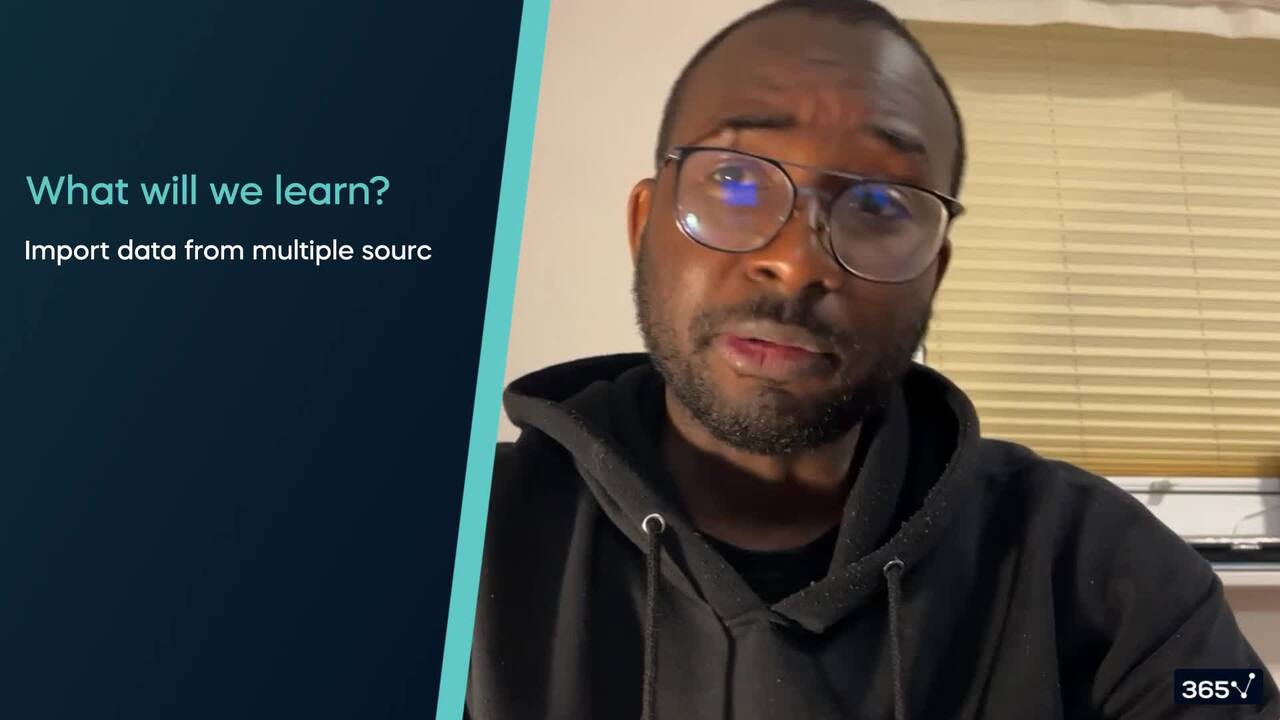
1.1 Introduction - Data Ingestion With Pandas
6 min
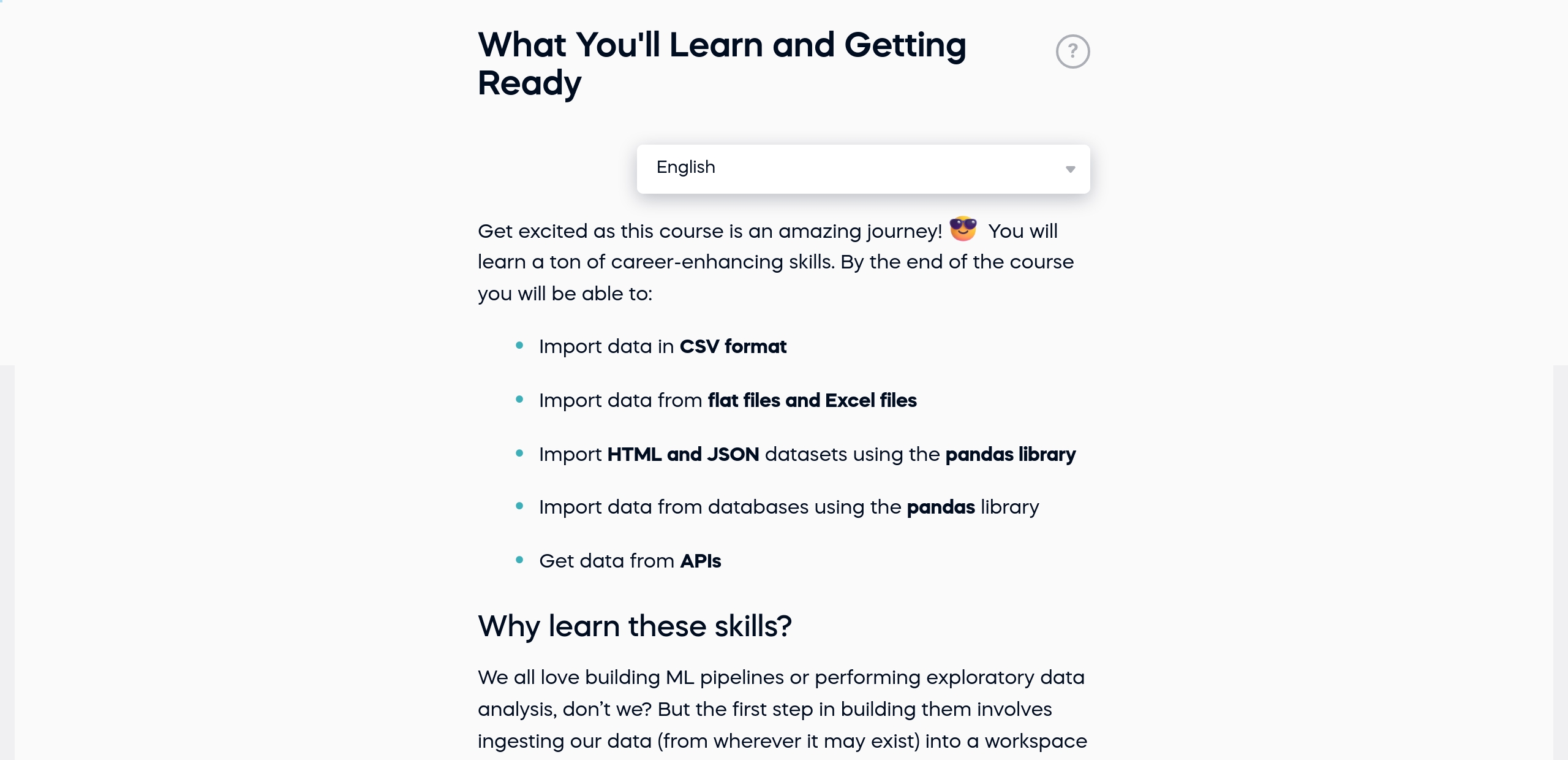
1.2 What You'll Learn and Getting Ready
1 min
$29,000
average salary increase
94%
of AI and data science graduates
successfully change
9 in 10
of our graduates landed a new AI & data job
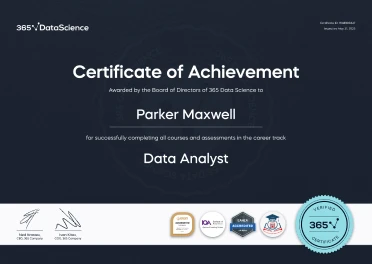
ACCREDITED certificates
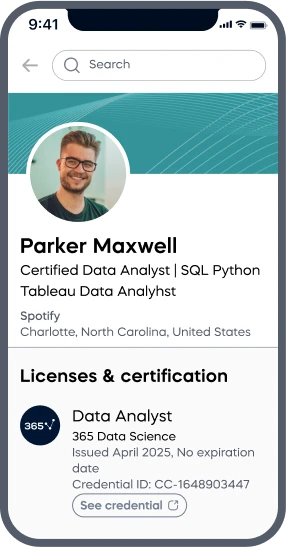
Craft a resume and LinkedIn profile you’re proud of—featuring certificates recognized by leading global
institutions.
Earn CPE-accredited credentials that showcase your dedication, growth, and essential skills—the qualities
employers value most.
Certificates are included with the Self-study learning plan.
How it WORKS
Student REVIEWS