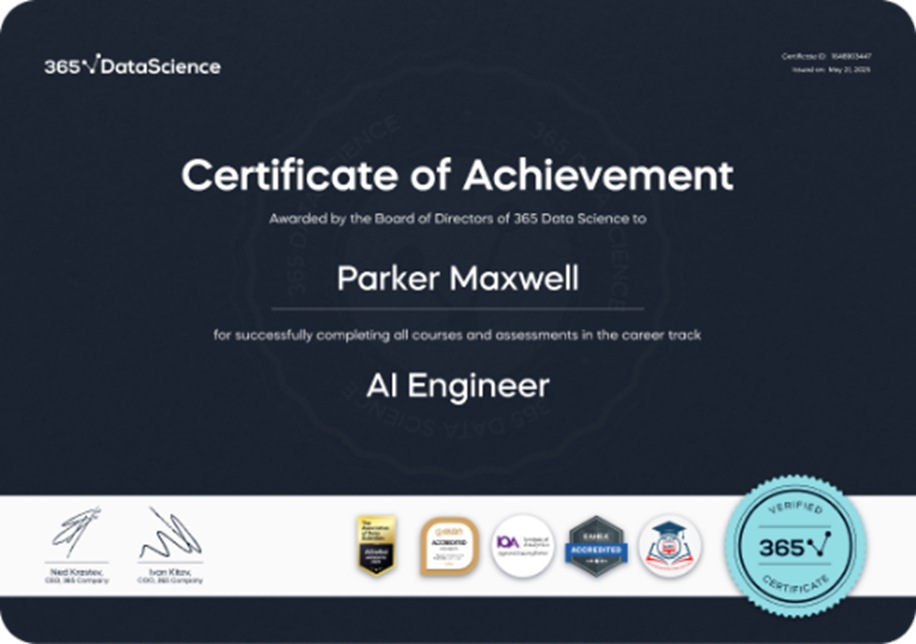
I've completed a career track. How can I get a Career Track Certificate?
365 Data Science awards ACCREDITED
AI and data science certification:
365 Data Science is the #1 highest-rated and most reviewed AI & data learning platform on Trustpilot—100% online.
If you’ve just completed a career track, congratulations!
365 Data Science certificates are accredited/recognized by six reputable organizations: ADaSci, ELQN, Institute of Analytics (IoA), EAHEA, GAOTE, and NASBA (CPE credits).
How to view, download, or share your Career Track Certificate
- Log in to your 365 Data Science account.
- In the top-right corner, click your profile picture to open the drop-down menu.
- Select My certificates.
- Choose the certificate type you want to share:
- Course Certificates, or
- Career Track Certificates
- Open the certificate you want.
- Copy the certificate link or download it, then add it to your social media profile (e.g., add it to LinkedIn “Licenses & Certifications”).
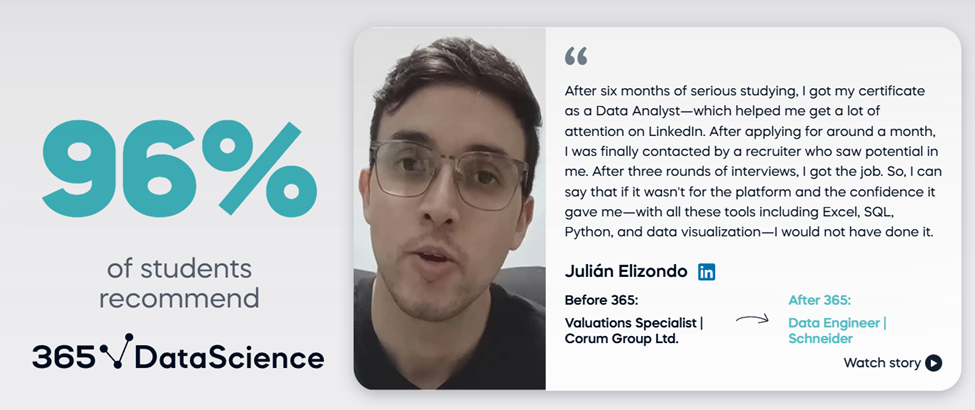
Our learners consistently report strong outcomes—like 94% of engaged learners landing a new job or advancing their careers, and 96% saying they’d recommend 365 Data Science.
Real student reviews
Was this article helpful?